You haven't signed in yet, you can have a better experience after signing in
*Please complete the payment within {{receiveCouponInfo.expire_at}}Previous use*
You haven't signed in yet, you can have a better experience after signing in




Activity Rules
1、Activity time:{{ info.groupon.start_at }} ~ {{ info.groupon.end_at }}。
1、Activity time:cease when sold out。
2、Validity period of the Group Buying:{{ info.groupon.expire_days * 24 }} hours。
3、Number of Group Buying:{{ info.groupon.need_count }}x。
Please Pay Attention
1、Teamwork process: Join/initiate a Group Buying and make a successful payment - Within the validity period, the number of team members meets the activity requirements - Group Buying succeeded!
2、If the number of participants cannot be met within the valid period, the group will fail, and the paid amount will be refunded in the original way.
3、The number of people required and the time of the event may vary among different products. Please pay attention to the rules of the event.
Lightweight PHP editor and PHP IDE designed to improve your work efficiency
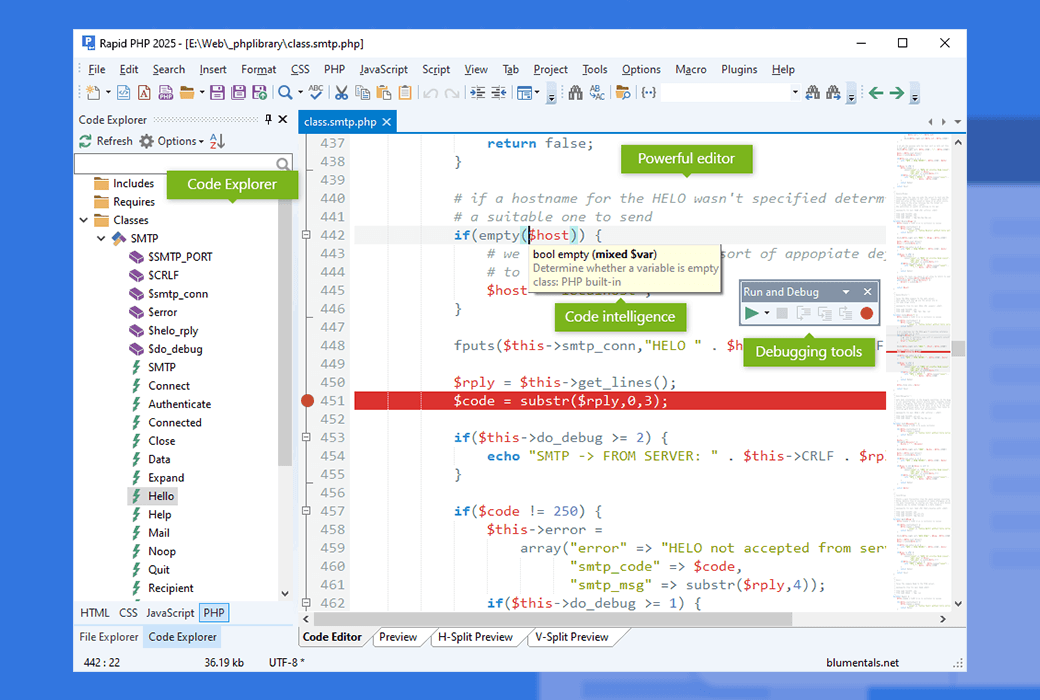
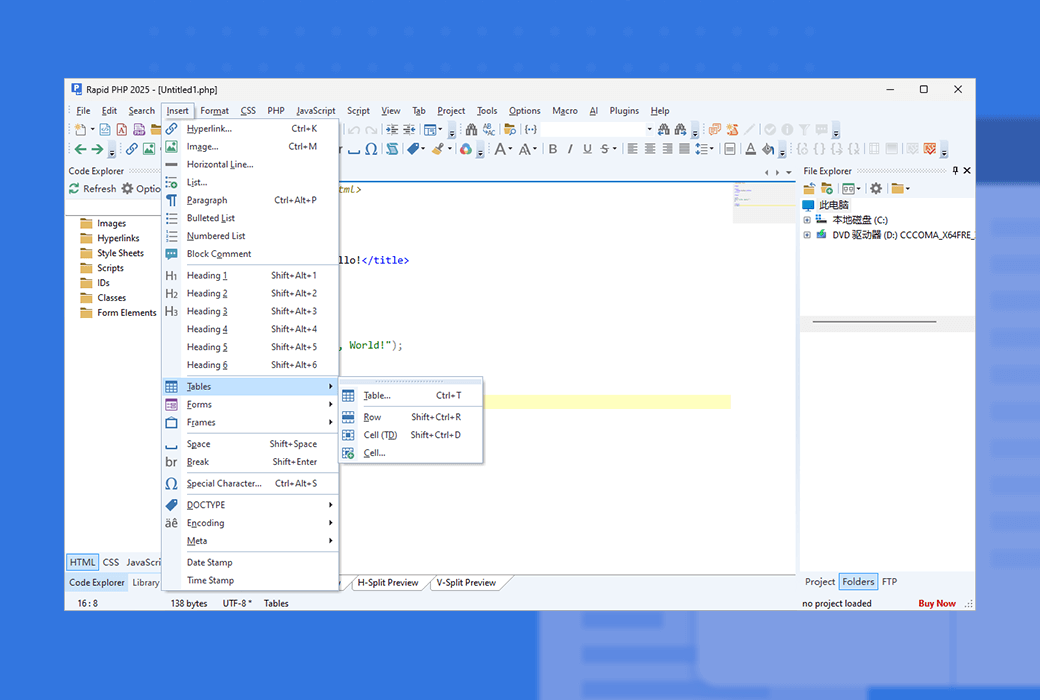
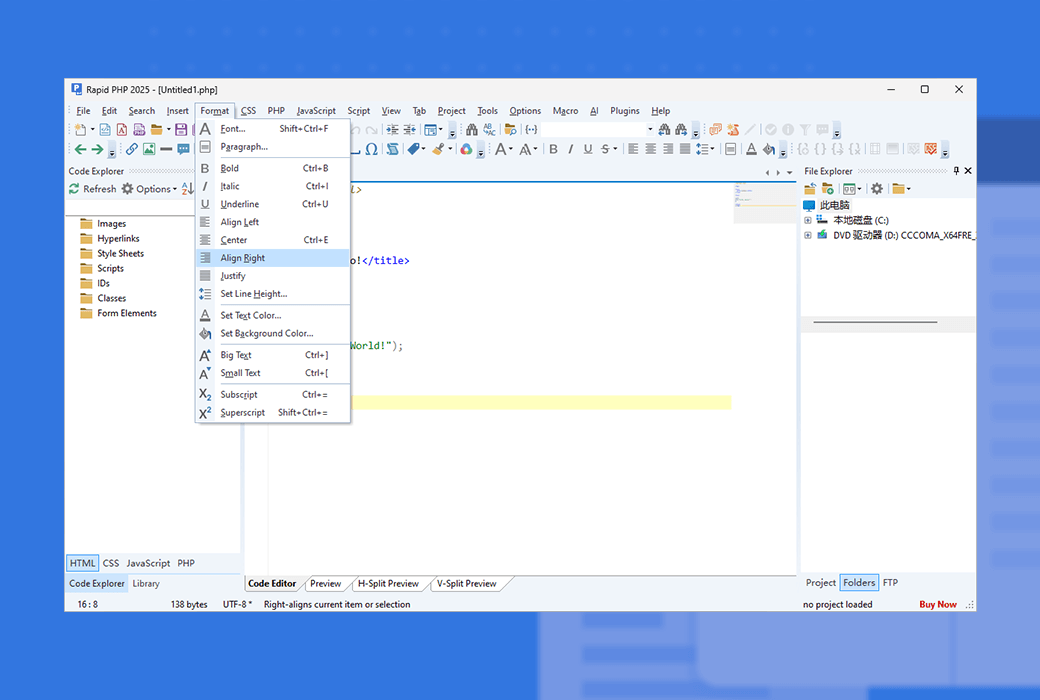
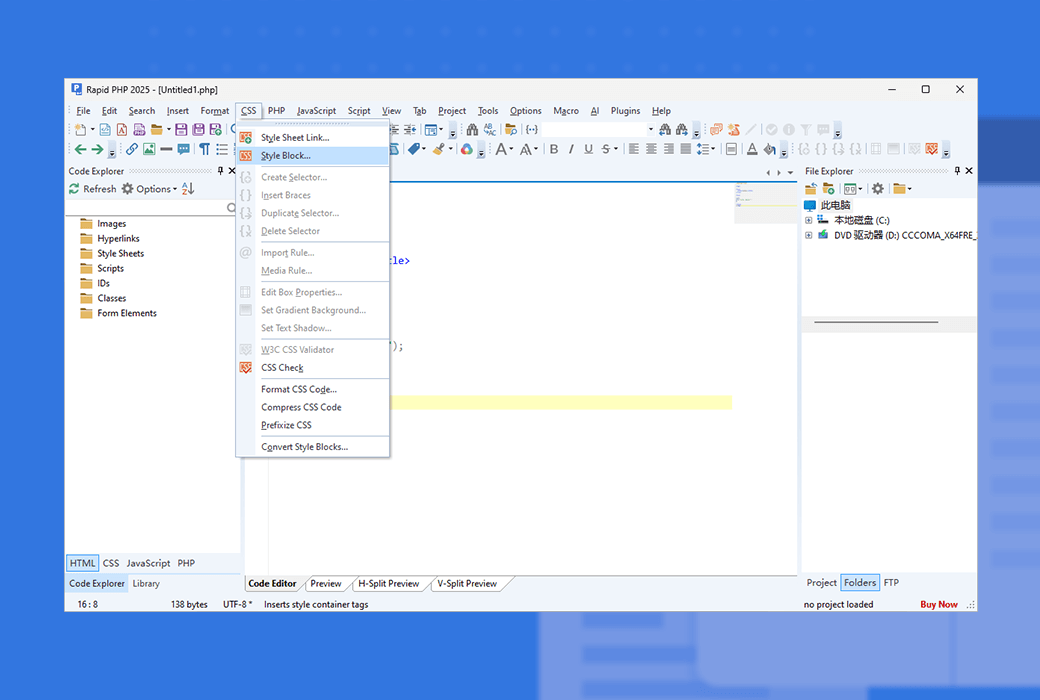
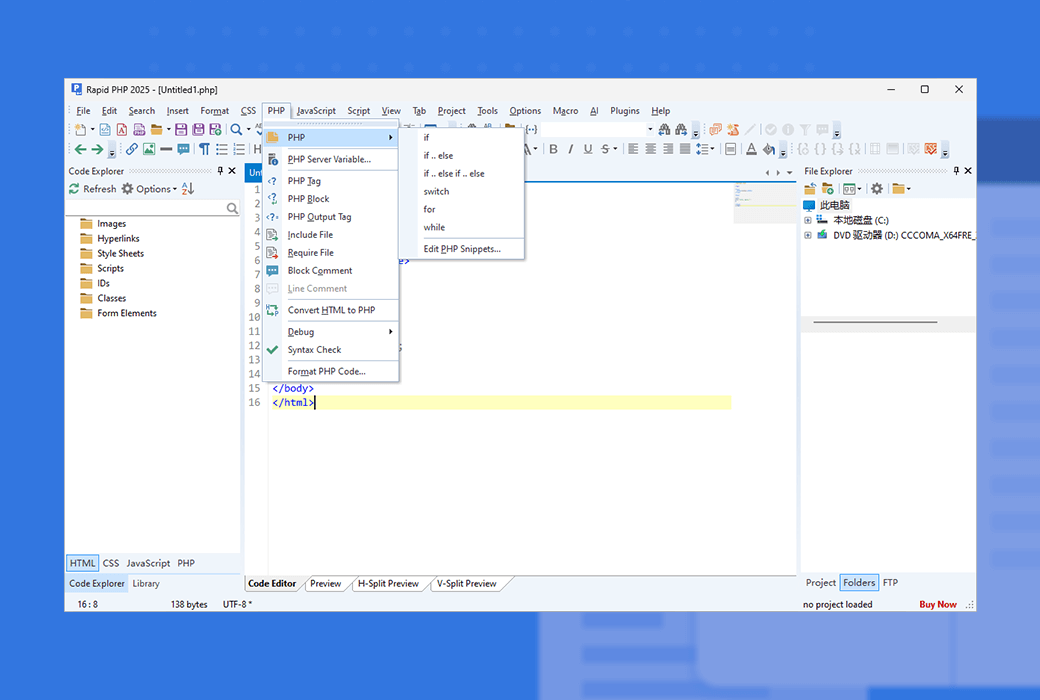
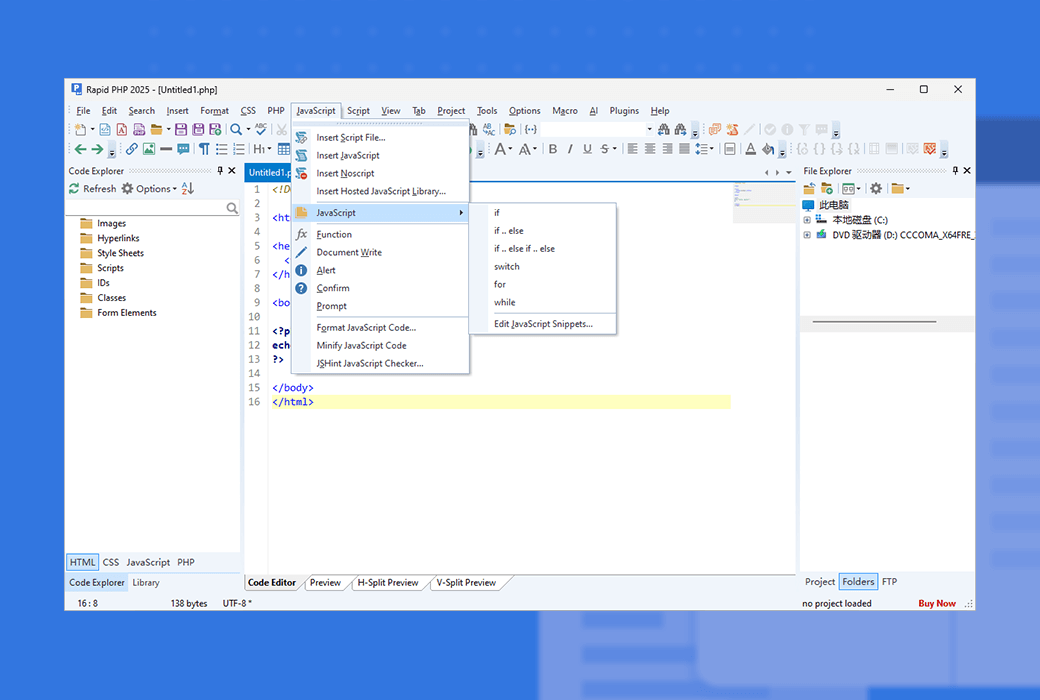
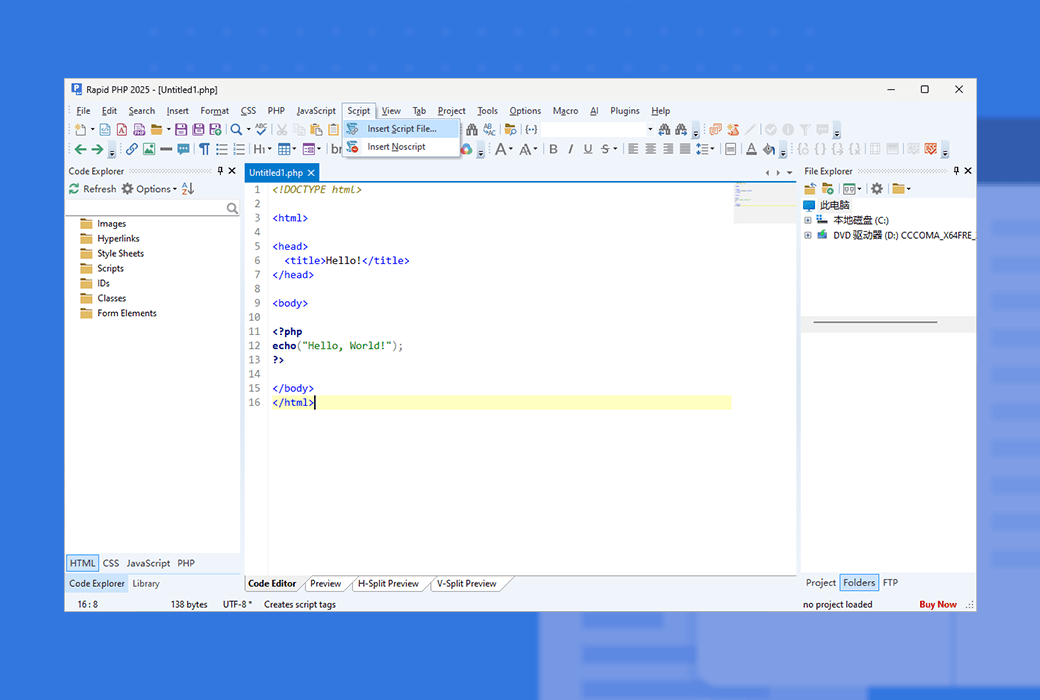
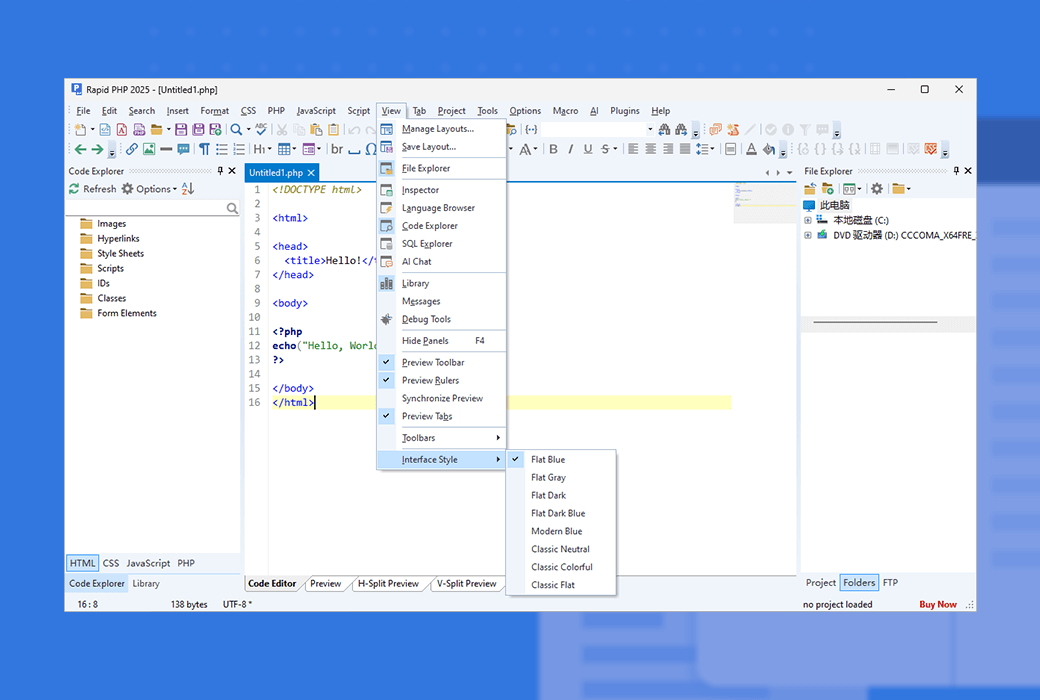
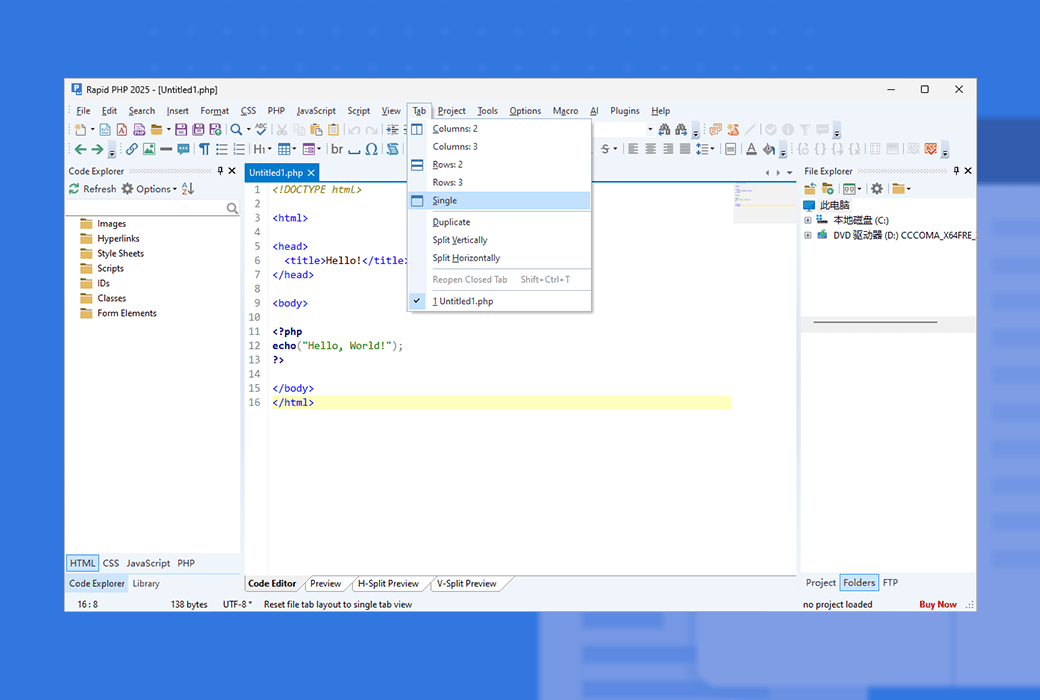
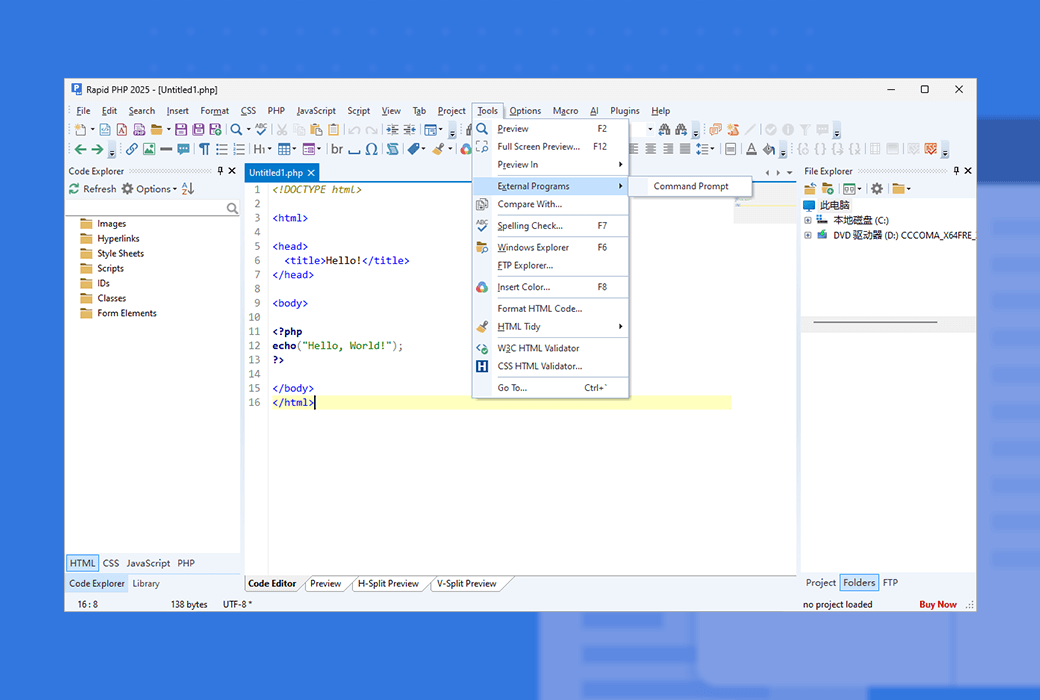
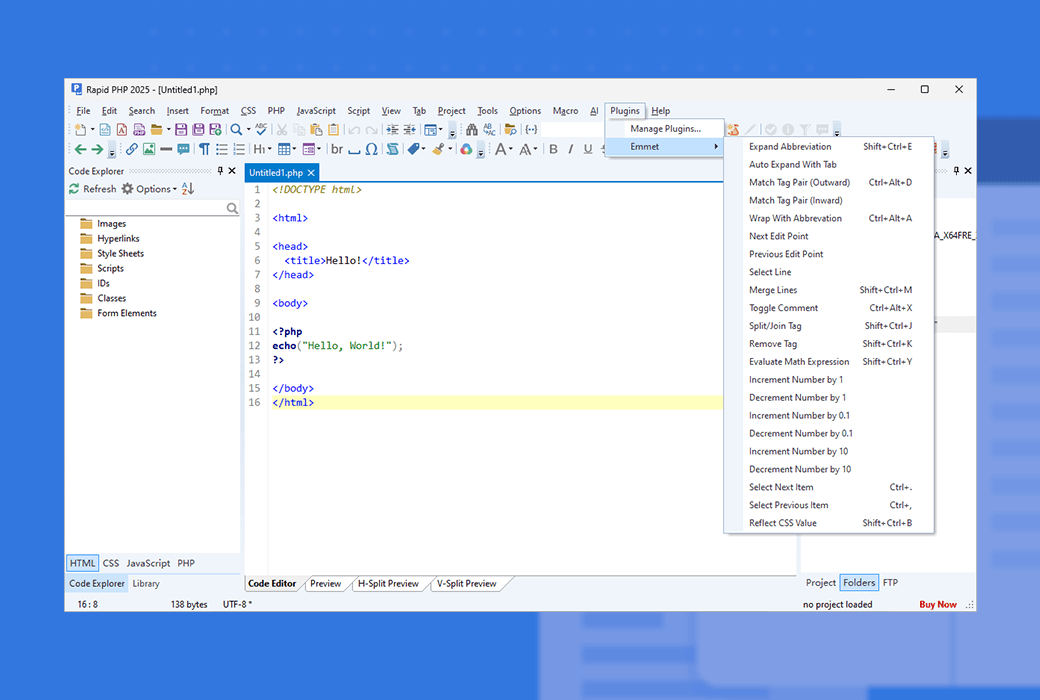
Rapid PHP Editor is a faster and more powerful PHP code editor for Windows that combines the functionality of a fully packaged PHP IDE with the speed of Notepad. Rapid PHP is the most complete all-in-one software for encoding PHP, HTML, CSS, JavaScript, and other web development languages with AI assisted and debugging tools, validating, reusing, navigating, and formatting your code.
The loading speed is much faster than any other PHP editor or PHP IDE with similar functionality
Support HTML, CSS, JavaScript, PHP, Smarty, XML, SQL, Apache, etc
Extensive intelligent code completion, navigation, and suggestion features for PHP, HTML, CSS, JavaScript, and Smarty
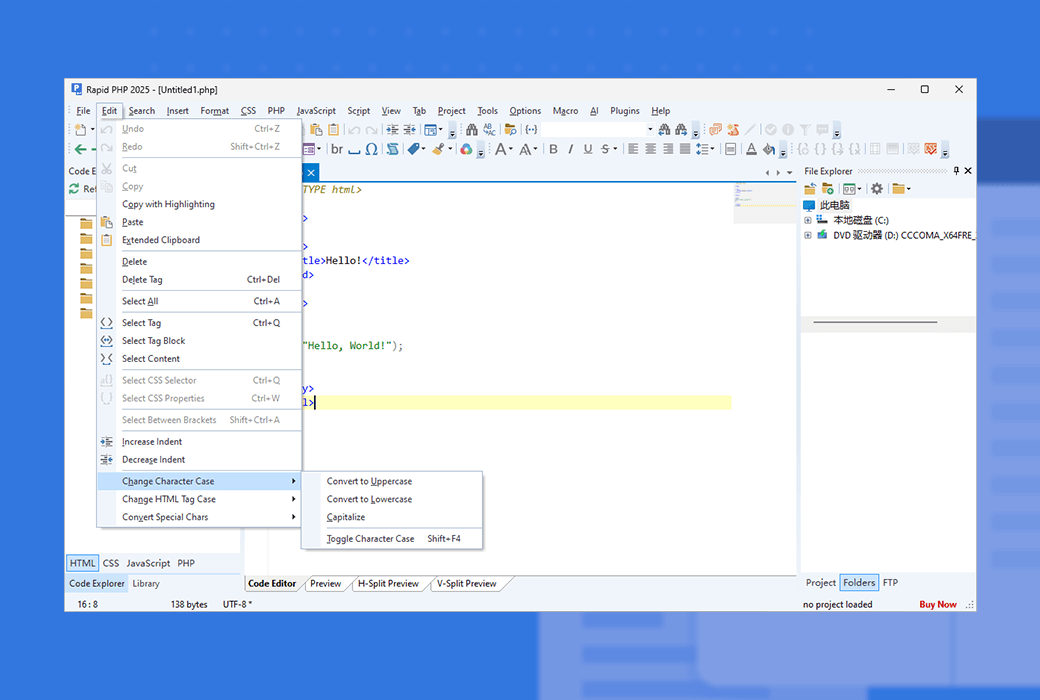
Unicode support, bracket matching, code folding, auto completion, auto replacement, multiple highlighting, etc
Automatically generate, modify, and optimize code to solve coding challenges*
The encoding function is synchronized with modern standards
Goto provides any content, quick search, detailed search, file search, regular expressions, detailed results, etc
Powerful support for Smarty template engine, as well as Twig and popular PHP frameworks
XDebug PHP debugger, real-time PHP checker, spell checker, W3 HTML and CSS validator, JSLint JavaScript checker
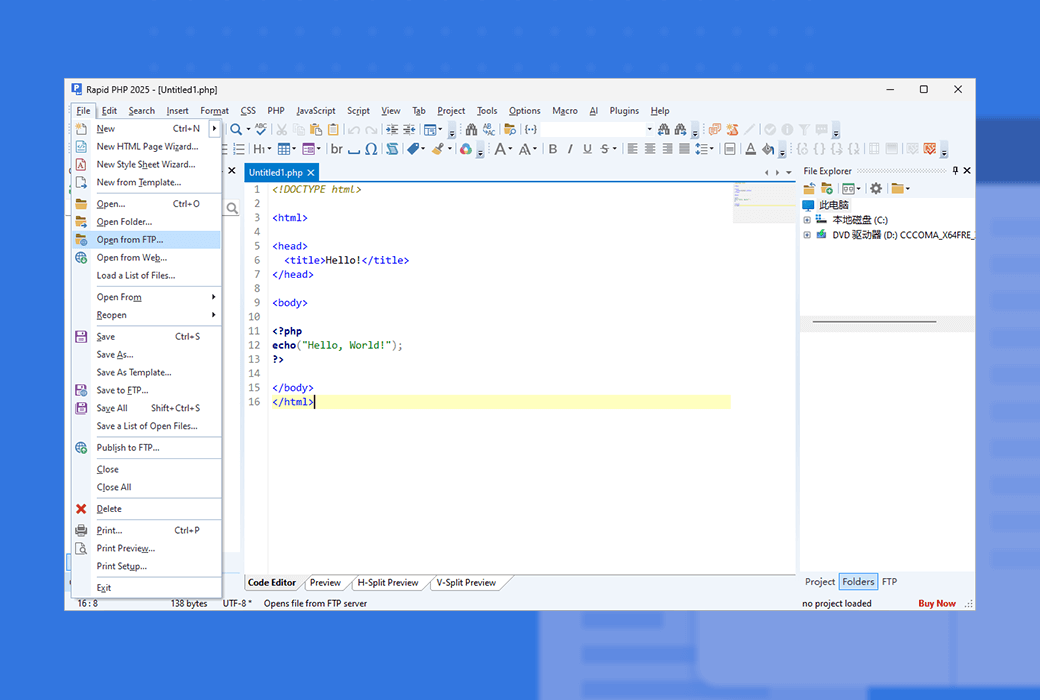
Edit or publish local development copy updates directly on the web server with just one click
Code snippet library and code templates with assignable shortcuts
Code beautifier, dynamic ToDo, color picker, XRay, etc.
Why choose Rapid PHP Editor?
Unlike other bulky PHP IDEs, you don't have to wait for it to load.
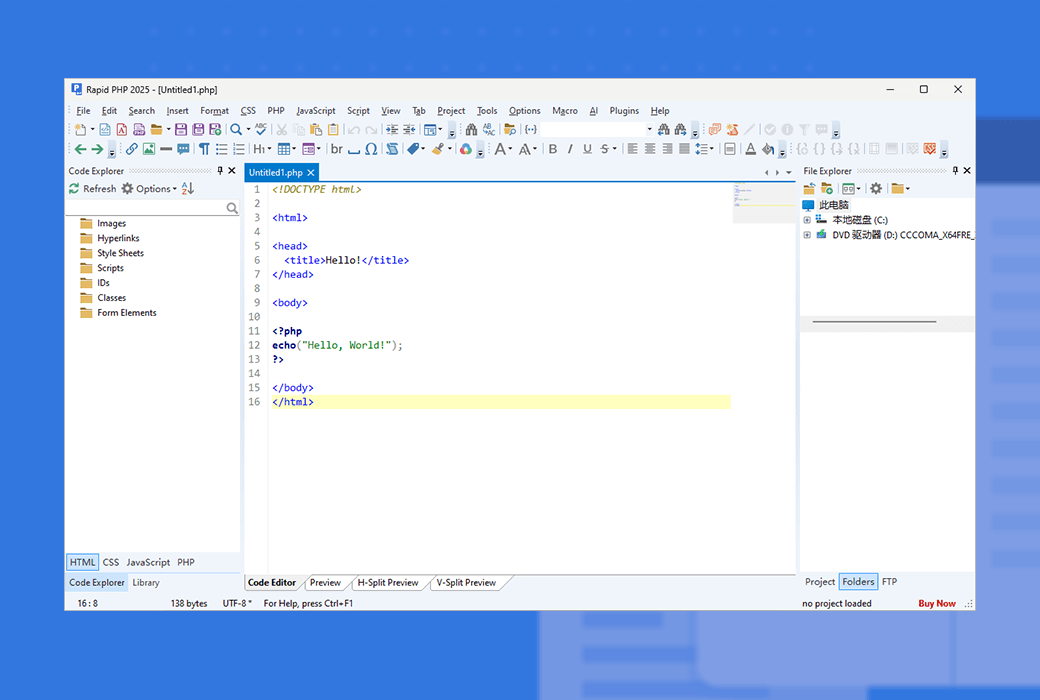
The Rapid PHP editor is fast, clean, and lightweight. It is very powerful, but not filled with useless buttons or panels.
Just a few clicks to upload/update your online website files.
Grammar checker, validator, debugger, beautifier, prefix checker, etc.
A truly integrated PHP IDE
Compared to other PHP editors and IDEs, Rapid PHP is also easily the most powerful PHP code editor and PHP IDE in terms of HTML, CSS, and JavaScript support, as well as a plethora of useful tools for all languages.
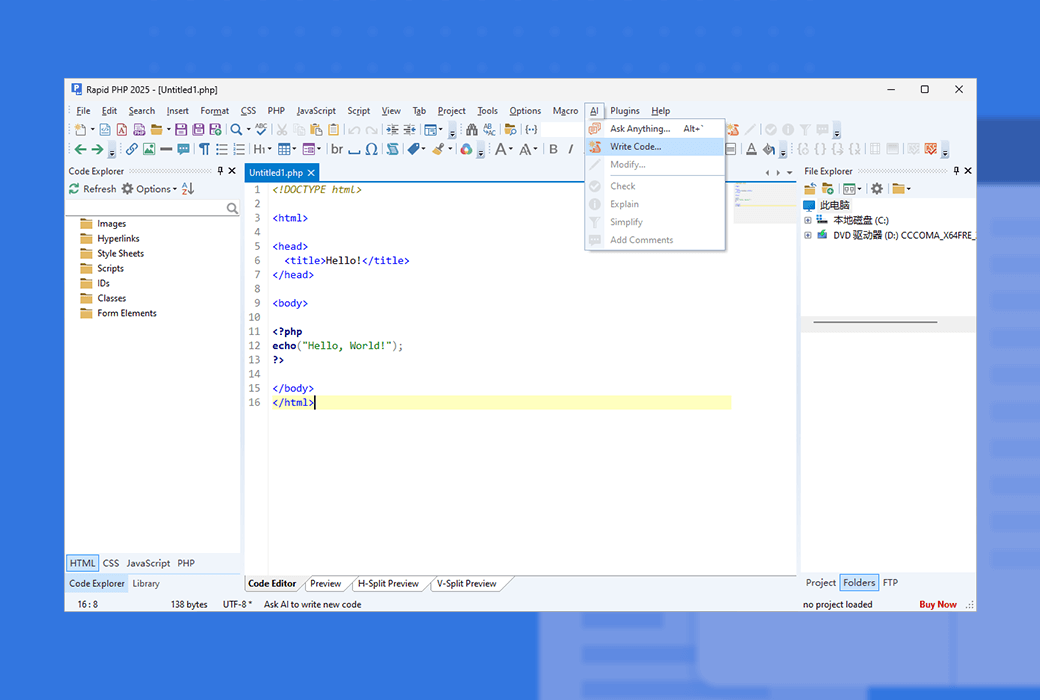
Powerful AI capabilities*
AI driven assistants can help you generate, modify, and optimize code automatically, as well as directly in a comfortable code editor.
Suitable for beginners
Just learned to write PHP? Welcome to join! The Rapid PHP editor is really easy to use, but powerful and provides you with a learning edge.
Official Website:https://www.rapidphpeditor.com/
Download Center:https://rapidphp.apsgo.cn
Delivery Time: Manual online processing
Operating Platform: Windows
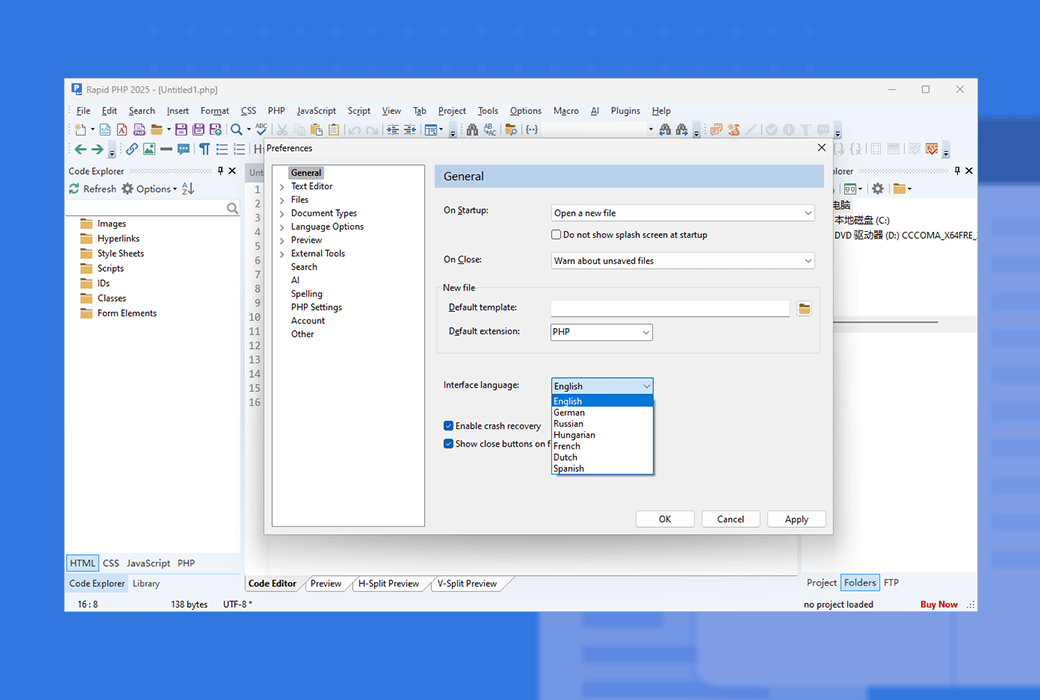
Interface Language: Supports English interface display, with multiple languages available.
Update Instructions: Free upgrade updates for 6 months after purchase.
Trial Before Purchase: Free trial available before purchase.
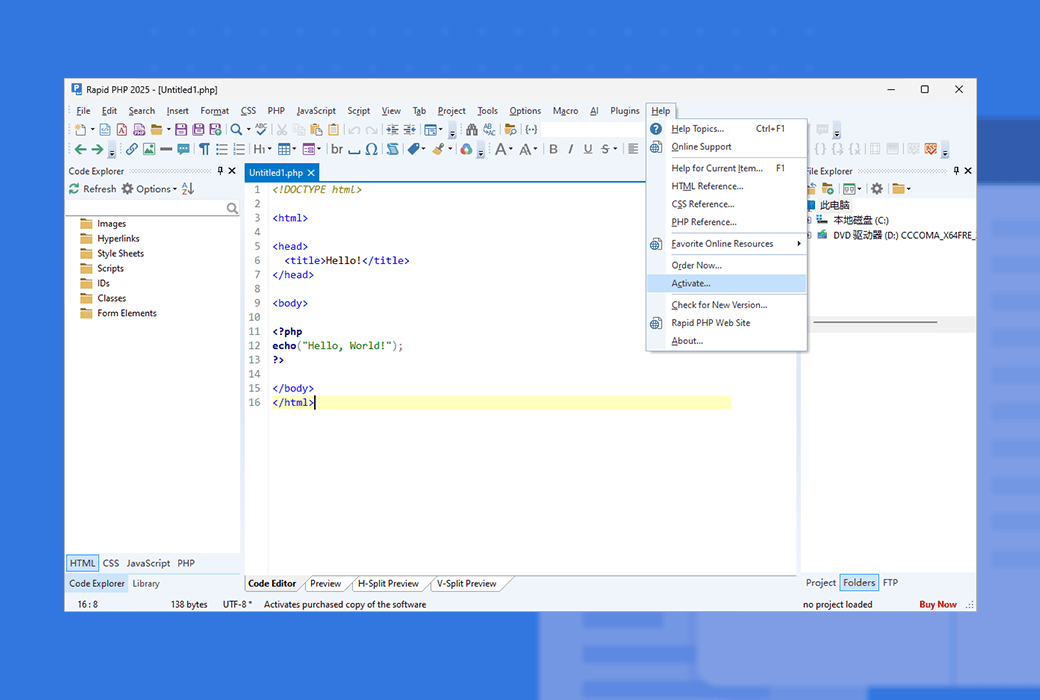
How to Receive the Product: After purchase, activation information will be sent to the email used for ordering, and the corresponding product activation code can be viewed in the personal center, My Orders.
Number of Devices: Commercial version allows you to install the application on work computers, home computers, and one laptop. Personal version: allows you to install the application on home computers and one laptop
Changing Computers: Uninstall on the original computer and activate on the new computer.
Activation Guide: To be added.
Special Instructions: To be added.
References:https://www.rapidphpeditor.com/support.php

Any question

To enable PHP debugging, you must have PHP installed on your device. You must also add the xDebug extension to your PHP configuration. This topic will guide you through the entire process.
The fastest and most reliable method (suitable for beginners)
To save time, you can use the automatic PHP and xDebug installer. Click here to download it. After installing this package, please skip to step 4, which will be explained in detail below. Otherwise, continue with step 1.
Step 1 - Download and install PHP
To run PHP scripts, you need to install the PHP interpreter. Visit www.php.net and download the Windows binary for the version of PHP you have installed. After downloading the zip file, extract PHP to a convenient folder.
Step 2 - Download the xDebug extension
Go to www.xdebug.org to download the xDebug Windows module for the version of PHP you installed in the previous step. For example, if you installed PHP 5.1.1, you need xDebug for 5.1.1.
Step 3 - Add xDebug to PHP
Copy the downloaded xDebug DLL file to the directory containing other PHP extensions, such as c:\php\ext\. After completing this, locate and open the php.ini file. If there is no such file, locate php.ini-dist and rename it to php.ini. Add the following lines at the end of this file:
[Zend]
zend_extension_ts="c:\php\ext\php_xdebug.dll"
xdebug.remote_enable = on
Replace c:\php\ext\php_xdebug.dll with the full path to your xDebug dll file.
Step 4 - Configure Fast PHP
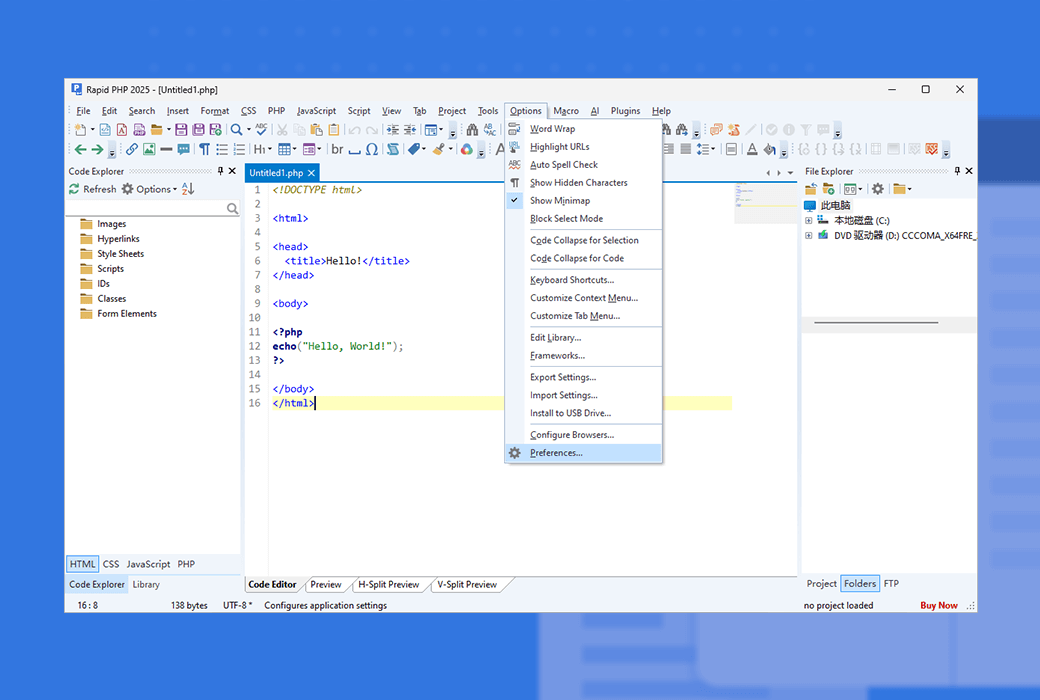
In the Options menu, click Preferences, and look for the PHP option.